Comprehensive Test Blog Post

Heading 1: Main Title (Usually Handled by Layout)
This post serves as a demonstration and testbed for various Markdown features supported by this platform. We will explore formatting, lists, code blocks, images, and more.
This is a standard paragraph. Lorem ipsum dolor sit amet, consectetur adipiscing elit. Vivamus lacinia odio vitae vestibulum vestibulum. Cras venenatis euismod malesuada.
Heading 2: Text Formatting Showcase
Let’s explore different ways to style text:
- This is italic text using asterisks.
- This is italic text using underscores.
- This is bold text using asterisks.
- This is bold text using underscores.
- This combines bold and italic.
- You can also use
strikethrough. - Here is some
inline codewithin a sentence.
Heading 2: Lists Galore
Heading 3: Unordered Lists
- Item 1
- Item 2
- Nested Item 2a
- Nested Item 2b
- Deeply Nested Item 2b-i
- Item 3
Heading 3: Ordered Lists
- First item
- Second item
- Third item
- Nested ordered item 3a
- Nested ordered item 3b
- Nested unordered item 3b-i
- Fourth item
Heading 3: Task Lists (GitHub Flavored Markdown)
- A completed task
- An incomplete task
- Another task to do
- Sub-task pending
- Sub-task finished
Heading 2: Links and Images
You can create an inline link with a title. Or use reference-style links like this one. Autolinks like https://www.example.com might also work.
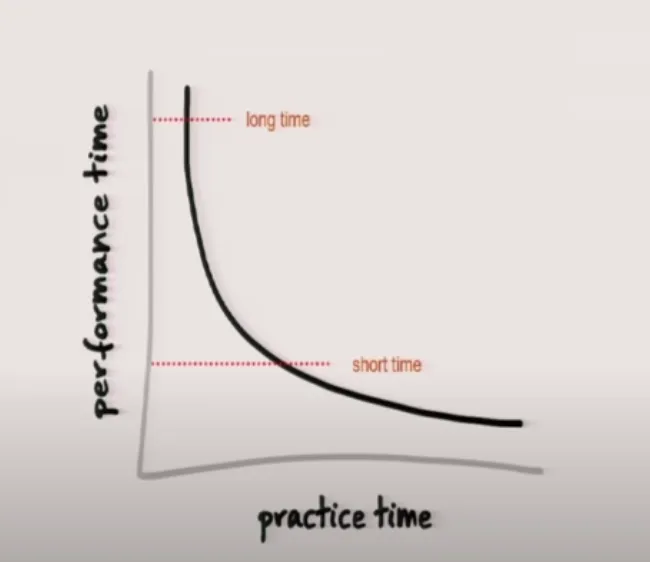
Here’s an image:
Heading 2: Code Blocks
Inline code() is useful for short snippets. For longer examples, use fenced code blocks:
// Javascript Examplefunction greet(name) {  console.log(`Hello, ${name}! Testing code highlighting.`);}
greet('Developer');
# Python Exampledef add(a, b): """This function adds two numbers.""" return a + b
result = add(5, 3)print(f"The result is: {result}") # Output: The result is: 8This is a plain text block.No syntax highlighting here.Special characters like < > & should be displayed as-is.Heading 2: Blockquotes
Blockquotes are useful for citations or highlighting text.
This is a single-level blockquote. Lorem ipsum dolor sit amet, consectetur adipiscing elit. Integer posuere erat a ante.
Nested blockquotes:
Level 1 quote.
Level 2 quote. Still part of the quote.
Back to Level 1.
Heading 2: Tables (GitHub Flavored Markdown)
Tables require headers and separators. Alignment can be controlled with colons.
| Left Align | Center Align | Right Align |
|---|---|---|
| Cell 1-1 | Cell 1-2 | Cell 1-3 |
| Cell 2-1 | Cell 2-2 | Cell 2-3 |
| Long text content | More content | And more |
Heading 2: Other Elements
Horizontal rules can separate content:
Footnotes can be added like this1. And here is another one2.
Some systems might allow basic inline HTML, like <strong>strong text</strong> or <em>emphasized text</em>, but rely on Markdown syntax primarily.
Project Timeline (Gantt Chart)
Task Distribution (Pie Chart)
Heading 2: Conclusion
This post has demonstrated a wide array of Markdown features. Rendering this correctly indicates good compatibility with standard and common extended Markdown syntax.